Click > Pmnt Server >Close Batch
If the menu choices are unavailable (grayed out) contact Total BusinessWare about adding this option.
If you have Store & Forward enabled you should Forward All and then Close Batch, typically at least once per day.
You can forward and close multiple times per day if you like.
Closing batches needs to be run whether anything was stored offline or not. Your processor only pays you after you close the batch.
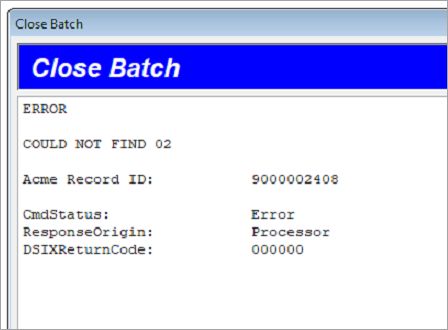
If there is no batch to close you will see an "error" similar to this: