Click > Pmnt Server >Forward All
If the menu choices are unavailable (grayed out) contact Total BusinessWare about adding this option.
The dialog is accessible to any user but the “Forward All” button is only available to a user with the "SAF - Forward" privilege.
You will be presented a list of transactions waiting to be forwarded and the opportunity to Forward All.
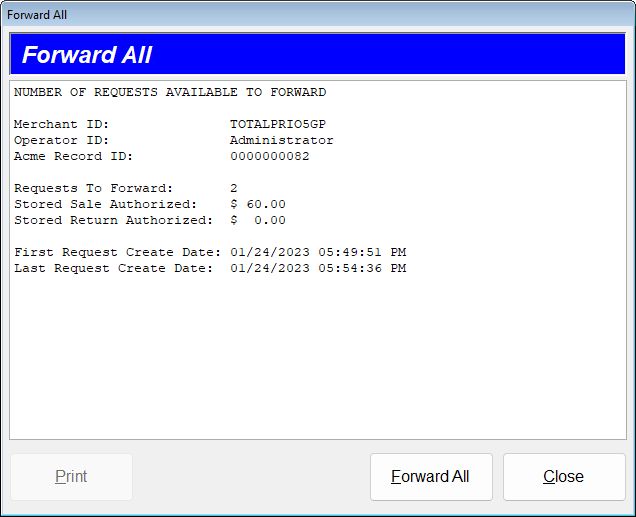
Clicking Forward All performs the forwarding and when completed displays the results. When completed, the print button becomes active.
Batch information may not include a breakout of transaction type count and amount, in that case only total count and amount is supplied.
Forwarding is necessary whether there were transactions processed offline or not.
After every attempt to forward you MUST