Prebuilt kits work great for gift baskets, chicken salad, etc... - you are going to build the gift basket or make the chicken salad before you put it out for sale.
Item Setup:
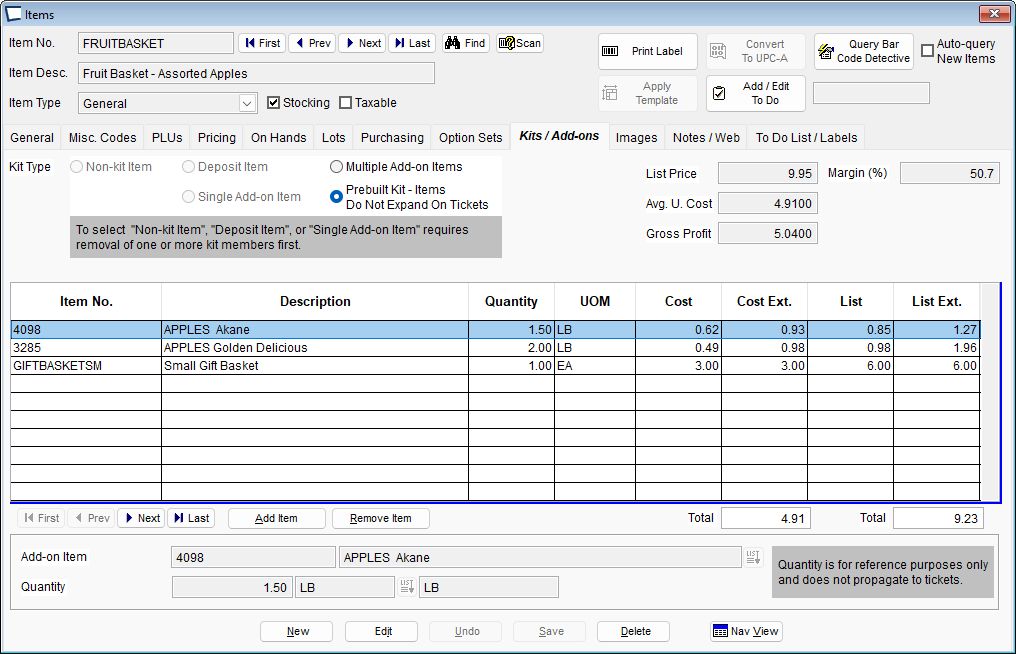
The two highlighted buttons at the bottom make it very easy for you to set the kit List Price equal to the sum of the component's List Prices or the sum of the sum of the Component Prices that you have assigned to this kit. In the example above, we manually entered a list price of 8.99. This kit will be sold for 8.99.
Ticket Entry: (selling a fruit basket)
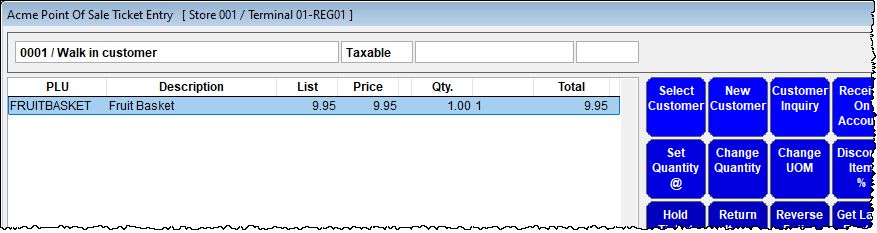
Ticket Entry (building FRUITBASKET)
When building the kits, use the Acme Data Miner report titled "Prebuilt Kits and List of Components BC".
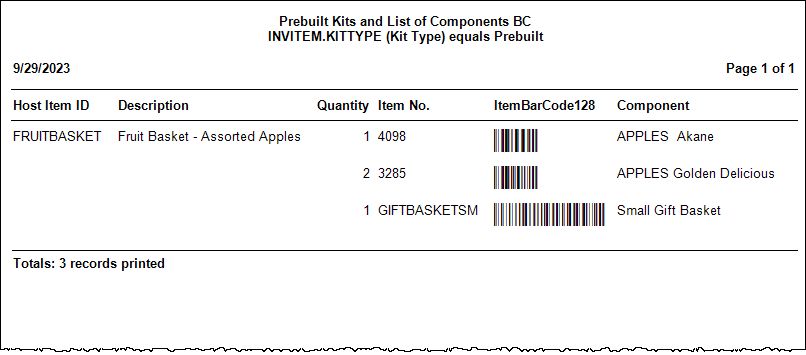
Print the report and use the information to enter a write off ticket, to decrement the items from inventory. Store Use or Write Off
If you followed the recipe exactly, scan each bar code on the report use quantity from the report.
If you had to modify the recipe at all, adjust accordingly. For example, if you substituted Honeycrisp Apples for the Akanes, do not scan the code for Akanes. Instead look up Honeycrisp and add the proper quantity of them to the ticket. This tactic should only be used if the components do not print on receipts, invoices or pick tickets. Consider the components to be a list of suggestions, with like priced items o.k. for substitute.
Do not forget to put the finished goods (the gift baskets or chicken salad) into stock, to do this go into Item setup screen and edit the on hand quantity.
Kits cannot be returned via the return item action key in ticket entry, so you cannot use return item to add the kit into stock. If a customer brings back a kit item and you need to return it, use "reverse entire ticket" and edit accordingly.